Testing Big Sur beta 11 installation on MacBook Air (13-inch, Early 2015)

I'm going to try to install "Big Sur" on an old macbook air and see what happens.
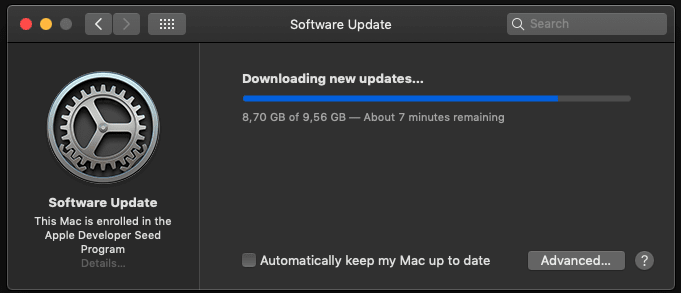
Just now i got this error:

I had to login developer.apple.com and download .dmg again.
I installed that .pkg and restart upgrade.
Now i see this:
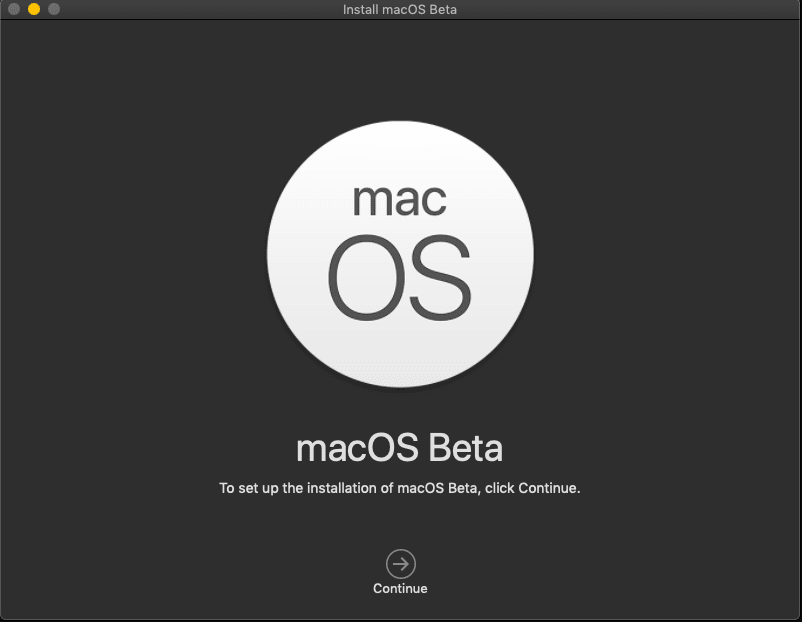
Ok now i had to delete almost everything because this macbook air has a 128gb. ssd:
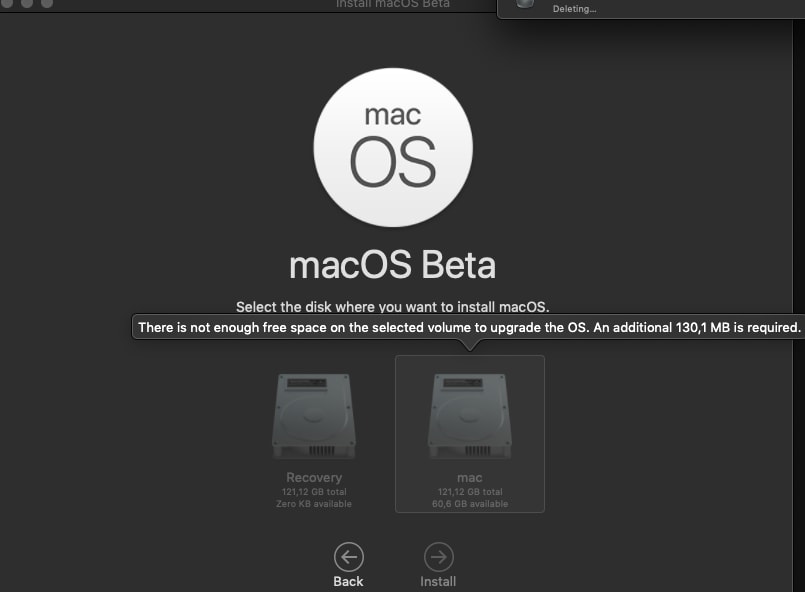
Now it is installing:
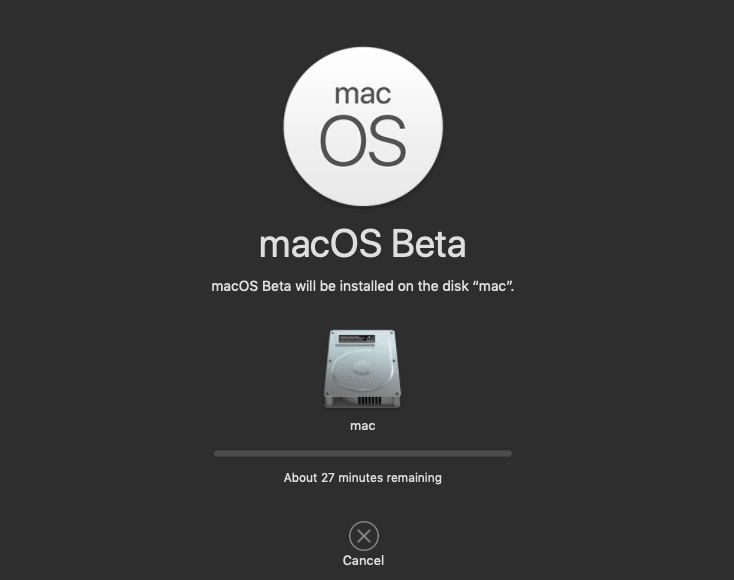
And now it says almost 4 hours. I hope i don't get a fatal error:

As you can see it is now more than 6 hours:

Maybe this is because im upgrading from Mojave not Catalina. I didn't install Catalina it was very buggy. But now i have to upgrade because i have a mac app on the store that needs to be "big sur" ready asap.
Now a few hours later im looking at this:

At this point i just don't care anymore. Im gonna leave this open and go to sleep. I will see what happens when i wake up.
I have just clicked cancel.
It was at 7 hours mark and i got mad.
So as you can see it is almost impossible to install "Big Sur" beta 11 on a MacBook Air (13-inch, Early 2015). So i hope they are going to fix their big release later.
Final Thoughts
I think it is too much of a risk at this point. I felt like installing a Red Hat linux to a pentium 3 machine. I also did that years ago and it took me 5 hours to finish with 8 CDs and no internet connection. But this Big Sur beta 11 installation couldn't even finish after 7 hours.